Line Types on Blueprints Explained
Learn what every line type on a blueprint means, from solid object lines to dashed hidden lines and centerlines, with a plain-English reference table.
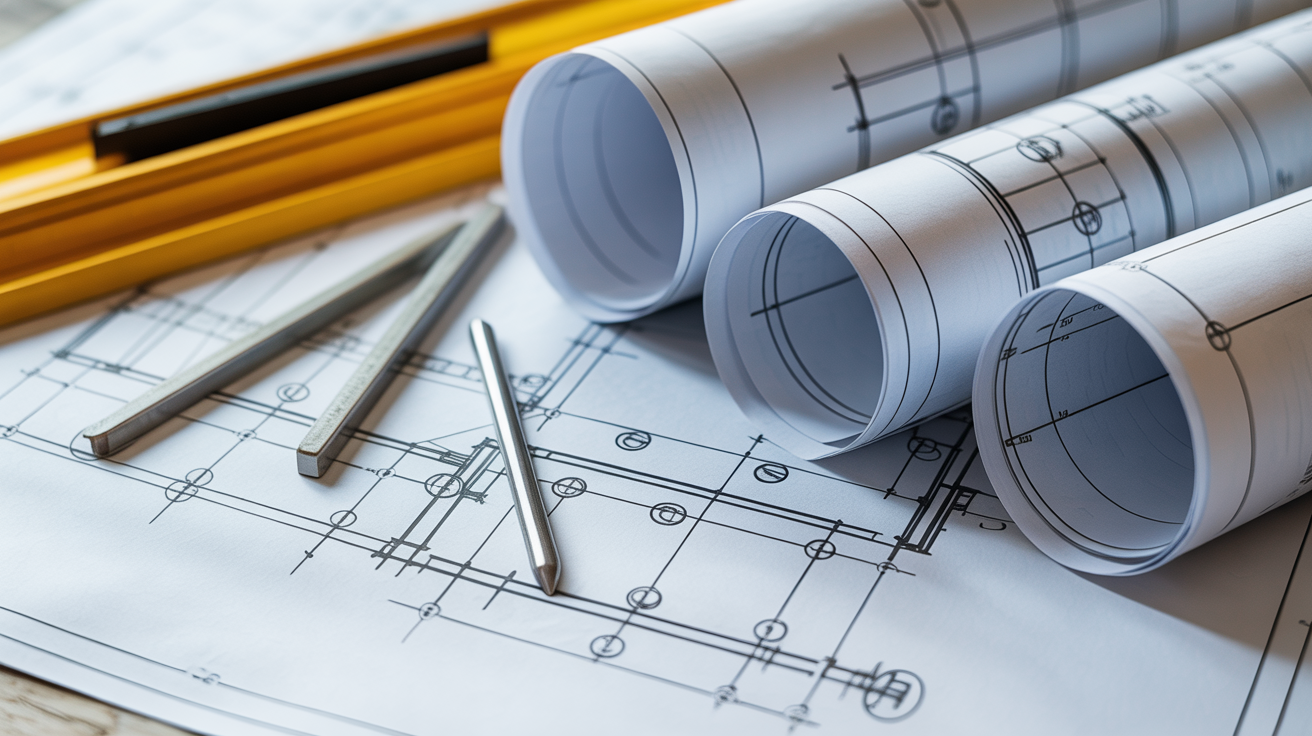
Pick up a set of blueprints for the first time and you will notice that not every line looks the same. Some are thick and bold, some are thin, some are dashed, some alternate dashes and dots. That variety is not decoration. Each pattern carries a specific meaning, and once you learn the code, a page that looked like visual noise starts to tell a clear story.
This guide covers the most common blueprint line types, what each one represents, and how to tell them apart. Line conventions come largely from standards published by organizations like the American Institute of Architects and ANSI/ASME, but individual offices and firms sometimes adapt them. When you are reading real plans for a construction or permit project, confirm any unclear lines with the architect or engineer who drew them, and check with your local building department before acting on what you see.
Why Lines Look Different
Two things vary between line types: the pattern (solid, dashed, dashes-and-dots) and the weight (how thick the line is). Taken together they tell you whether something is visible in this view, hidden behind another surface, a reference line, or a call-out marker.
Line weight creates a visual hierarchy. The thickest lines are usually the most important elements in the view, like walls cut by the section plane. Thinner lines recede visually to show less critical information. On screen or on a printed sheet, weight differences can be subtle, so a good habit is to scan the drawing's legend or general notes, usually found on the first sheet, before reading any specific view.
The Main Line Types and What They Mean
Object Lines (Visible Lines)
Object lines, sometimes called visible lines, are solid and drawn at a medium-to-heavy weight. They show the edges and surfaces of objects that are directly visible in the current view. On a floor plan, the thick solid lines forming the walls are object lines. On an elevation, they trace the outline of the building facade.
When you see a bold solid line, you are looking at something you could physically see if you stood in that view position.
Hidden Lines
Hidden lines are dashed, typically drawn as a series of short equal-length dashes with small gaps. They represent edges or features that exist in the real object but are not visible from the current view direction because something else is in front of them.
A common example: on a floor plan, a built-in cabinet that hangs overhead (above the cut plane of the floor plan) might be shown with hidden lines so you know it is there without it cluttering the floor-level view. Underground footings below a slab are another common use.
The dash length and gap spacing can vary by office and by standard. The key is that the dashed pattern signals "this feature exists but is out of direct sight."
Centerlines
Centerlines alternate a long dash and a short dash (or a long dash and a dot), creating a pattern that looks like: long gap short gap long gap short gap. They mark the center axes of symmetrical features such as columns, doors, windows, circular openings, and structural members.
On a structural plan, a centerline running through a grid of columns marks the column grid line, which is labeled with a letter or number in a bubble at each end. Dimensions often measure from centerline to centerline rather than from face to face. Once you recognize the long-short-long pattern, centerlines are easy to spot.
Dimension Lines
Dimension lines are thin solid lines capped at each end with arrowheads, tick marks, or slash marks depending on the drafting style used in that office. They run parallel to the distance being measured, and the measurement itself is printed above or beside the line. A short perpendicular line at each end, called an extension line, shows exactly where the measurement starts and ends on the object.
How to Read Dimensions on a Floor Plan covers how to interpret those numbers in detail, including feet-and-inches notation and metric formats.
Extension Lines
Extension lines are thin solid lines that extend outward from the object to the dimension line. They do not touch the object itself; there is a small gap between the object line and where the extension line begins. This gap prevents confusion about whether the extension line is part of the object geometry. Extension lines and dimension lines work as a pair and are almost always found together.
Leader Lines
A leader line is a thin line with an arrowhead at one end pointing to a specific feature, and a short horizontal shoulder at the other end where a note or label is written. If you see a line that angles away from a wall, a material, or a hardware item and terminates at a text note, that is a leader. Leaders are how drafters call out materials, finishes, part numbers, and specification references without crowding the note directly onto the drawing.
Cutting-Plane Lines
A cutting-plane line marks where an imaginary slice passes through the building to create a section view. It is drawn as a thick line, heavier than most other lines on the sheet, with a distinctive pattern of long dashes and two short dashes grouped together (or in some offices, a thick solid line with arrows). Arrows at the ends point in the direction you are looking when you view the resulting section.
The cutting-plane line appears on one drawing (for example, a floor plan) and a bubble or letter tag at each end tells you which sheet holds the section it generates. If you see a cutting-plane line on a floor plan marked "A/A4.1", flip to sheet A4.1 to find section A.
Break Lines
Break lines signal that a portion of the object has been omitted from the drawing, usually to save space on the sheet. A short break line is a thick freehand zigzag. A long break line is a thin straight line interrupted by a small S-shaped or Z-shaped symbol at intervals. If you see a wall or pipe that suddenly ends in a jagged zigzag rather than a clean corner, the drawing is telling you the element continues but is cut off to fit the sheet.
Phantom Lines
Phantom lines use a long-dash, short-dash, short-dash pattern similar to centerlines but with two short dashes instead of one. They show alternate positions of a moving part (like a door swung to its fully open position), adjacent parts that are not part of the current assembly, or proposed future work. On renovation plans, existing conditions to be removed are sometimes shown in phantom. The exact use varies by office, so check the drawing legend.
Quick Reference Table
| Line Type | Pattern | Typical Weight | What It Represents |
|---|---|---|---|
| Object (visible) | Solid | Medium to heavy | Visible edges and surfaces |
| Hidden | Dashed (equal dashes) | Medium | Edges hidden behind other surfaces |
| Centerline | Long-short-long dot pattern | Thin | Center axes of columns, doors, windows |
| Dimension | Solid with end marks | Thin | Measured distances |
| Extension | Solid | Thin | Extends object edge to dimension line |
| Leader | Solid with arrowhead | Thin | Pointer from note to specific feature |
| Cutting-plane | Long dash, two short dashes | Heavy | Where section slice passes through object |
| Break | Zigzag (short) or S-symbol (long) | Varies | Drawing continues beyond sheet boundary |
| Phantom | Long-short-short pattern | Thin | Alternate positions, adjacent parts, future work |
How Line Weight and Type Work Together
Knowing the pattern matters, but so does the weight. In a well-drafted set of plans, the visual hierarchy follows a rough rule: the closer a line is to the main subject of the view, the heavier it is. On a floor plan cut at 4 feet above the floor, the wall lines at that cut are the heaviest. Cabinet outlines seen from above are medium. Dimension lines and hatch boundaries are thin.
This hierarchy lets your eye sort out the drawing without having to read every label first. You can scan for the heavy outlines to understand the basic layout, then look at thinner lines for detail.
Understanding Scale on Architectural Drawings explains how these lines relate to real-world dimensions, which becomes especially useful once you can read what each line type means.
Regional and Office Variations
The line types above follow widely used conventions in the United States, largely based on ANSI and AIA standards. Other countries use standards such as ISO 128, and the specific dash lengths and weight assignments can differ. Even within the same country, different architecture and engineering offices may assign slightly different meanings to phantom lines, or use a unique cutting-plane style.
The practical takeaway: always look for a legend or drawing key, usually on the cover sheet or general notes sheet of the drawing set. If a line type appears that you cannot identify, ask the architect or engineer of record, not just a contractor on site. For any construction or permit project, confirm your interpretation with a licensed professional before proceeding.
Architectural Symbols and What They Mean covers the next layer of blueprint notation after line types, including material hatch patterns and reference tags.
Frequently Asked Questions
What do dashed lines mean on a blueprint?
Dashed lines most often indicate hidden lines: edges or features that exist in the real structure but are not directly visible from the view shown. They can also appear as phantom lines to show alternate positions or future work, though phantom lines typically use a different dash-dot pattern than hidden lines. Check the drawing legend to confirm which convention the drafter used.
What is the difference between a centerline and a hidden line?
A hidden line is a series of equal-length dashes. A centerline alternates a long dash with a short dash (or dot). Centerlines mark axes of symmetry such as the center of a column or the center of a door opening. Hidden lines mark edges that exist but are concealed in the current view. The different patterns are intentional so you can tell them apart at a glance.
Why do some lines on blueprints look much bolder than others?
Line weight creates a visual hierarchy. Heavier lines represent the primary elements being shown in that view, such as walls cut by a section plane. Thinner lines are secondary information, like dimension lines or hatch boundaries. Reading the heavy lines first gives you the overall layout; reading the thin lines fills in the details.
What is a cutting-plane line and how do I follow it?
A cutting-plane line is a heavy line that shows where an imaginary slice passes through the building to create a section or detail view. It has arrows at each end pointing the direction of the view, and a letter or number tag in a bubble at each end. Find the matching tag on another sheet in the drawing set to locate the corresponding section view.
Do line conventions change between hand-drawn and CAD drawings?
The meaning of each line type stays the same whether the drawing was done by hand or on a computer. In CAD, line types are controlled by layer settings, so a drawing might label them in the layer list rather than in a separate legend. The visual result on the printed sheet should follow the same conventions. If you are reading a CAD-generated set and a line type is unclear, the drafter or architect can check which layer and line-type setting produced it.