How to Read a Site Plan
Learn how to read a site plan from scratch. Understand property lines, setbacks, north arrows, contour lines, and more — no drafting experience needed.
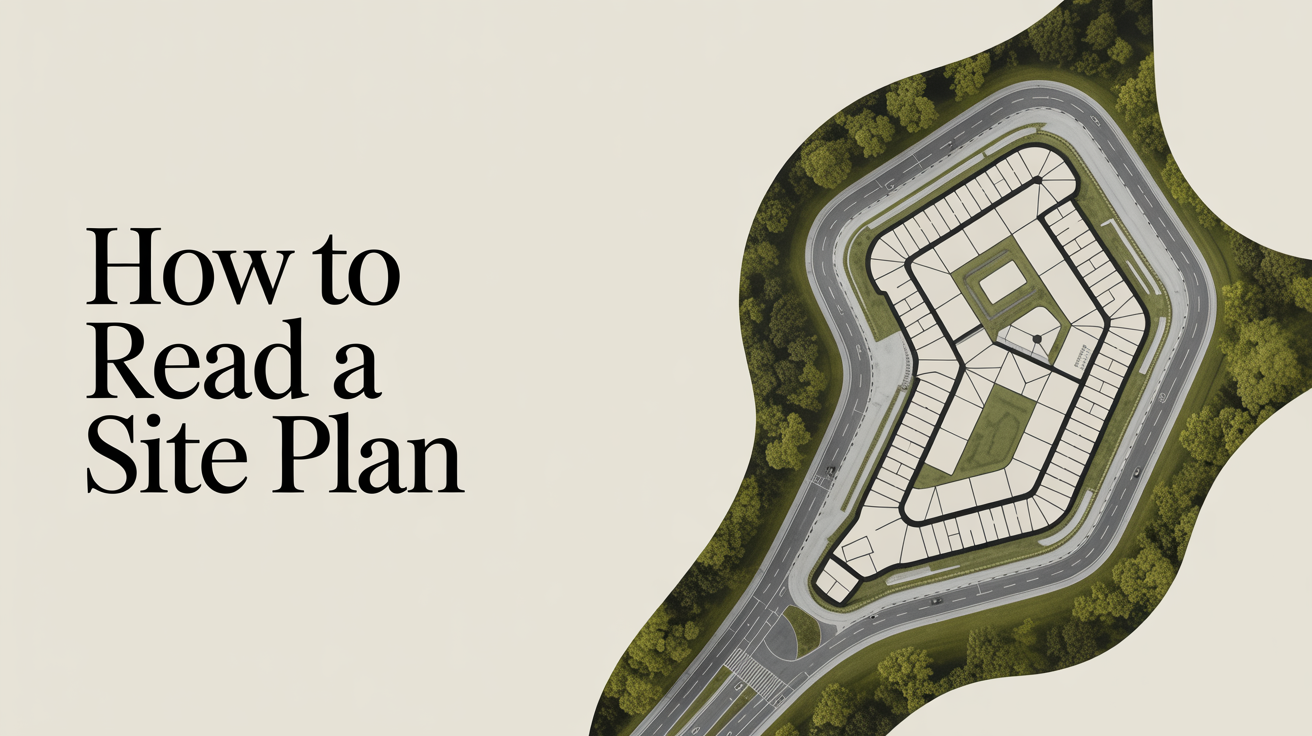
If you have ever looked at a set of house plans and found a drawing showing the whole lot rather than just the interior rooms, you were looking at a site plan. It sits outside the building footprint and covers everything from property lines to where the driveway meets the street.
Site plans can look cluttered at first, but they follow a predictable logic. Once you know what each layer of information does, the drawing starts to make sense quickly.
What a Site Plan Actually Shows
A site plan (sometimes called a plot plan) is a bird's-eye view of a property. Unlike a floor plan, which shows the inside of a building, a site plan zooms out to show the entire lot and how the building sits on it.
The same drawing often appears in a permit package alongside floor plans, elevations, and sections. To see how a site plan fits into the bigger picture, read What's in a Set of Construction Drawings?.
A typical residential site plan includes:
- Property lines, the legal boundaries of the lot
- Building footprint, the outline of the structure as viewed from above
- Setbacks, required distances between the building and each property line
- Easements, strips of land where utilities or neighbors may have rights
- Driveways, walkways, and patios, any paved or hard-surface areas
- North arrow and scale, orientation and the ratio of drawing to real life
- Existing and proposed grades, land elevation shown as contour lines or spot elevations
- Utilities, water service, sewer, gas, and electrical entry points
Not every site plan includes all of these. A simple permit drawing for a deck might only show the lot, the house footprint, and the new deck with setback dimensions. A full construction package for a custom home will be more detailed.
Plot Plan vs Site Plan: Is There a Difference?
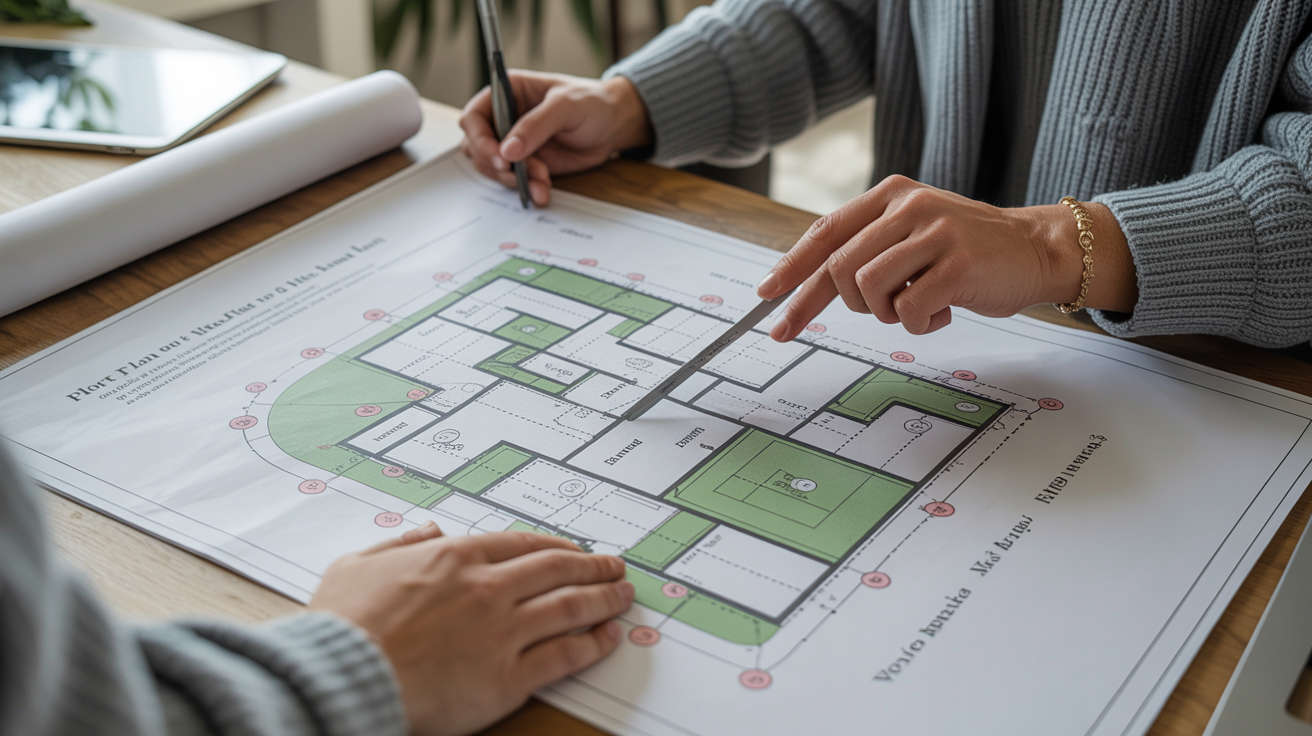
You will hear both terms, and in everyday conversation they are used interchangeably. Technically, a plot plan usually refers to a simpler document prepared for a permit that shows just the lot, existing structures, and the proposed work. A site plan often implies more detail, including grading, landscaping, utilities, and drainage.
Your local building department may use one term or the other on their forms. When in doubt, ask what level of detail they require for your specific project.
How to Orient Yourself on a Site Plan
Before reading any of the information on the drawing, find the north arrow. It is usually a small arrow or compass rose somewhere on the sheet, often in a corner. Once you know which direction is north, you can figure out how the lot relates to the street and where the sun will hit.
Next, find the scale notation, something like 1"=20' (one inch on the drawing equals 20 feet in real life) or 1:200 in metric countries. If you have a printed copy, you can use a ruler to measure distances directly. If you are viewing it on screen, the scale bar (a small ruled line printed on the drawing) is more reliable than a ruler, since screen zoom changes apparent distances.
Reading the Title Block
In one corner of the sheet you will find a title block, which is a bordered box containing the project address, the drawing number, the date, and the name of whoever prepared the drawing. On a professionally prepared site plan you may also see a license seal from a surveyor or engineer. That seal matters: it means a licensed professional has taken legal responsibility for the accuracy of the information.
Understanding Property Lines and Setbacks
Property lines are the boundaries of the lot. On a site plan they are usually drawn as a bold solid line, sometimes with a label such as "N 45°12'30" E 120.00'", that is a surveyor's bearing and distance notation describing which direction the line runs and how long it is. You do not need to decode the surveyor notation to read the plan; what matters is recognizing where the lot begins and ends.
Setbacks are the minimum distances required between a structure and each property line. They come from local zoning rules and vary considerably from one municipality to the next. A typical suburban front setback might be 25 feet (about 7.6 m); a rear setback might be 20 feet (6.1 m); side setbacks are often 5 to 10 feet (1.5 to 3 m). These numbers are just examples. Always confirm actual setbacks with your local building or zoning department before counting on them.
On the drawing, setbacks are often shown as dashed lines parallel to the property lines. The area inside all four setback lines is the buildable area, where a structure is allowed to sit.
If you see the building footprint touching or crossing a setback line, that is a red flag that needs to be resolved with the designer before the project proceeds.
Easements
An easement is a right that someone other than the property owner has to use a strip of land. Common examples are:
| Easement type | What it means for the owner |
|---|---|
| Utility easement | A utility company can dig here to access pipes or cables |
| Drainage easement | Water must be allowed to flow through; you may not block it |
| Access easement | A neighbor may have the right to cross this strip to reach their lot |
Easements usually show up as a dashed or dotted rectangle on the site plan with a note like "10' drainage easement." You generally cannot build a permanent structure inside an easement, though rules vary by jurisdiction.
Reading Grading and Elevation Information
Grading is the shape of the land, slopes, swales, and flat areas, and it matters for drainage, foundation design, and construction cost.
On simpler plans, grading is shown as spot elevations: a number with a small cross or X marking a specific point on the ground. For example, "EL 312.5" means that particular spot sits at 312.5 feet (or meters, depending on the drawing's datum) above some reference point, usually sea level.
On more detailed plans, you will see contour lines, curved lines that connect points of equal elevation. When contour lines are close together, the slope is steep. When they are far apart, the ground is nearly flat. The number printed on or beside each contour line is its elevation.
The plan may also show finished grade versus existing grade. Existing grade is what is there now; finished grade is what the ground will look like after grading is complete. If a lot needs significant cut (soil removed) or fill (soil added), both lines appear on the plan so you can see how much earthwork is involved.
Utility Lines and Connection Points
Near the street, you will usually see symbols or labels for where utilities enter the property. A dashed line with a "W" or "WTR" label traces the water service from the main in the street to the house. A similar line labeled "S" or "SWR" shows the sewer connection. Gas and electrical services may also be marked.
These lines matter when planning any excavation or landscaping. Knowing where underground utilities run helps avoid accidental damage during construction. In many regions, you are legally required to contact a utility-locating service before any digging, regardless of what the plans show. Plans are useful references, but utility-locating services provide current, field-verified information.
How Site Plans Connect to the Rest of the Drawing Set
A site plan by itself does not tell you everything about how a building looks or is built. For that, you need the full drawing package. The Understanding Building Elevations guide covers the exterior-facing drawings that show wall heights and rooflines, while How to Read a Section Drawing explains the cut-through views that reveal interior structure.
Together, the site plan, floor plans, elevations, and sections give a complete picture of a project. On a residential permit package, the site plan is usually the first sheet because it establishes context for everything else.
Frequently Asked Questions
Do I need a surveyor to create a site plan?
For a permit, most jurisdictions accept a site plan prepared from existing survey data or property records without a new survey. However, if property lines are in dispute, if the lot has never been surveyed, or if the project is large or complex, a licensed surveyor will need to prepare or verify the drawing. Your local building department can tell you what they require for your specific project.
What is the difference between a site plan and a landscape plan?
A site plan focuses on structures, grades, utilities, and zoning dimensions. A landscape plan, which may be a separate drawing in the package, shows planting locations, irrigation, and surface treatments like mulch or gravel. For smaller residential projects these are sometimes combined on one sheet; for larger or more regulated projects they are separate.
Why does my site plan show a number next to the property like "Lot 14, Block 3"?
That notation refers to the legal description of the parcel, which comes from the recorded subdivision plat. It is how the property is identified in public records. It does not affect how you read the drawing, but it does confirm you are looking at the right lot.
Can I scale measurements directly off a site plan?
You can get approximate distances by measuring a printed plan with a ruler and applying the scale. For rough planning purposes that is fine. For anything that affects construction, permits, or legal compliance, rely on the dimensions printed on the drawing, not on scaled measurements. Photocopying and digital viewing can distort scale, and a licensed professional should review any real plans before work begins.
What does "FEMA flood zone" notation mean on a site plan?
Some site plans include a note indicating whether the lot falls inside a FEMA-designated flood zone. If the property is in a Special Flood Hazard Area (the 100-year floodplain), lenders and local codes may require flood insurance, elevated foundations, or special permits. The notation itself is just informational. For full flood zone details, check the FEMA Flood Map Service Center or consult your local floodplain administrator.